
Description
Product Overview
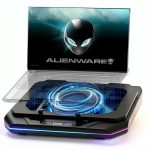
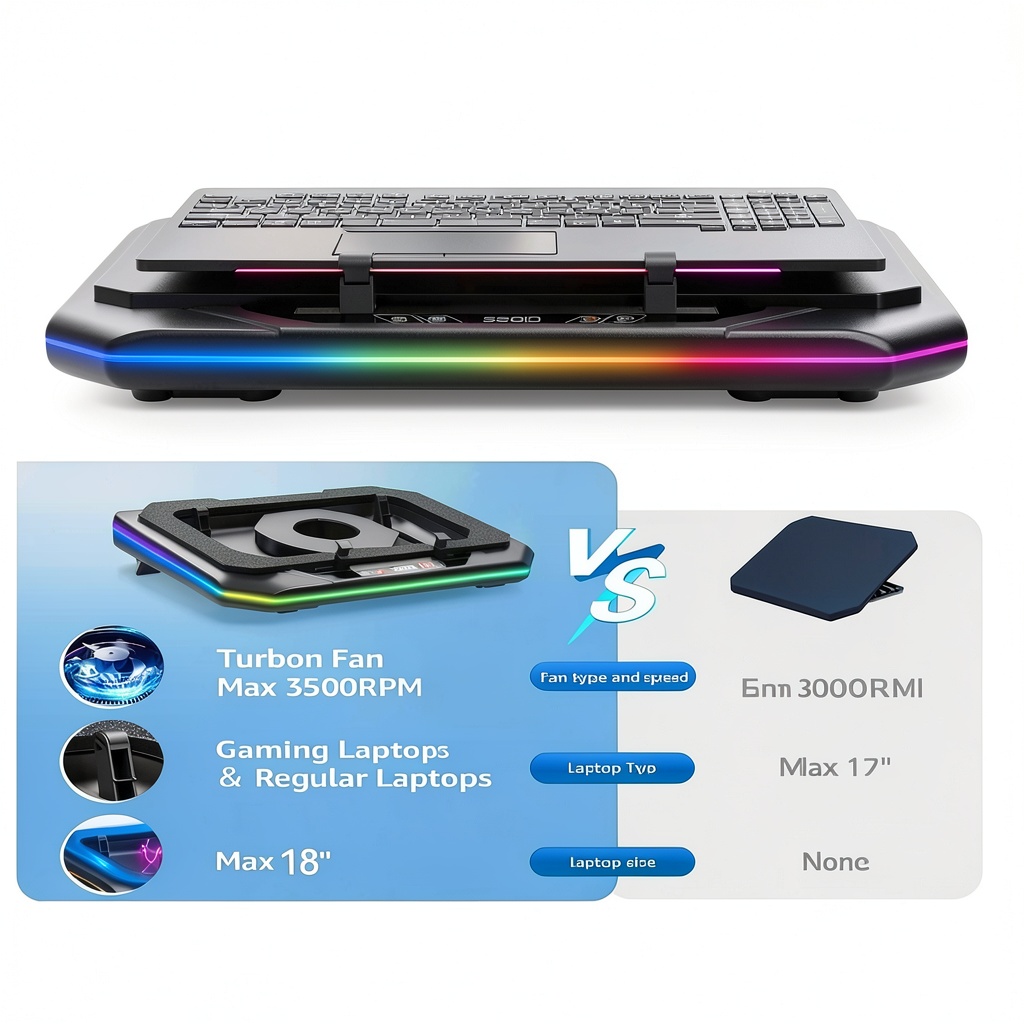
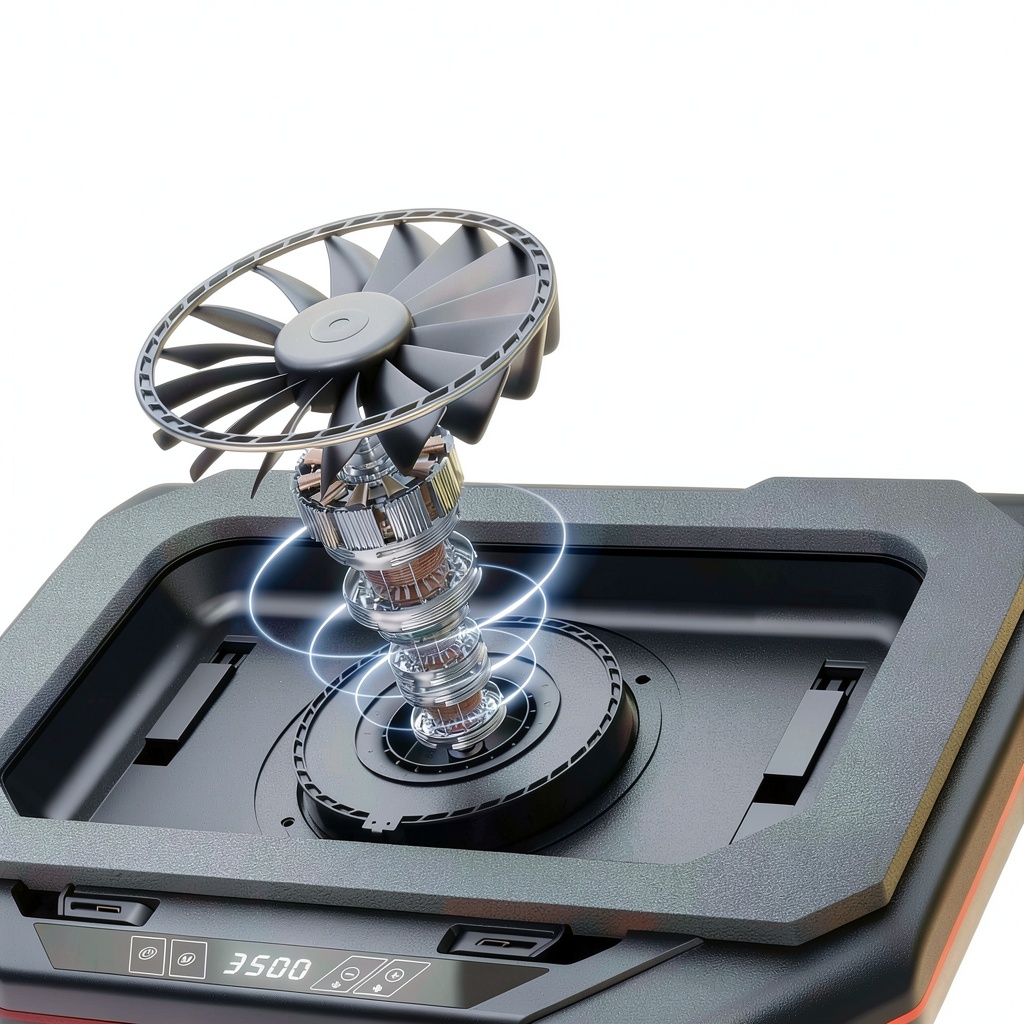
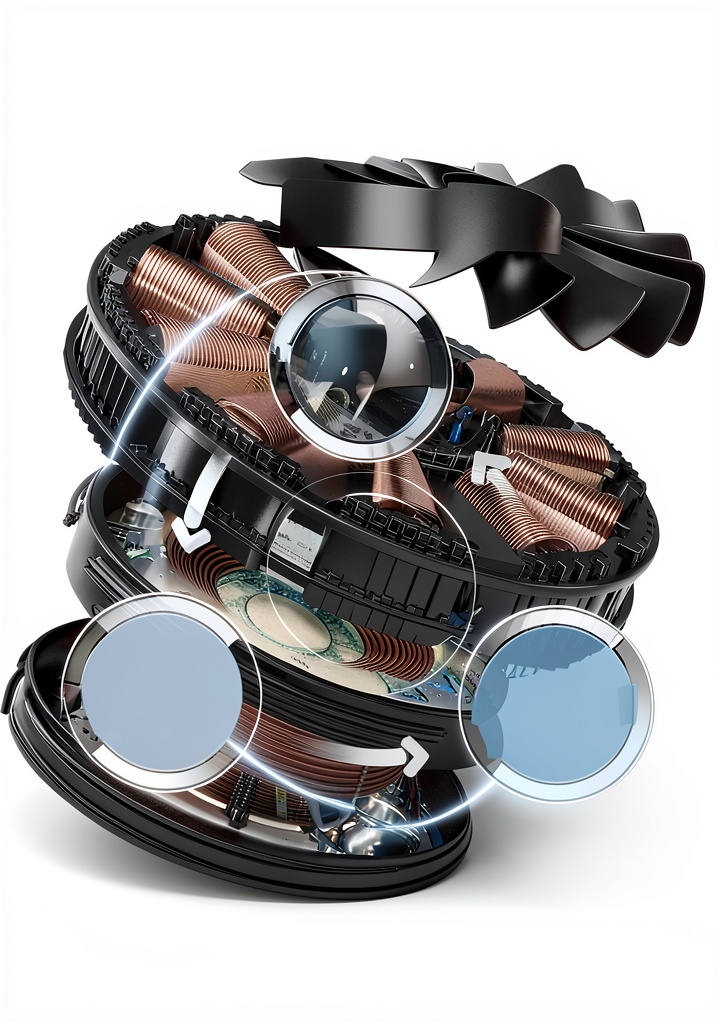
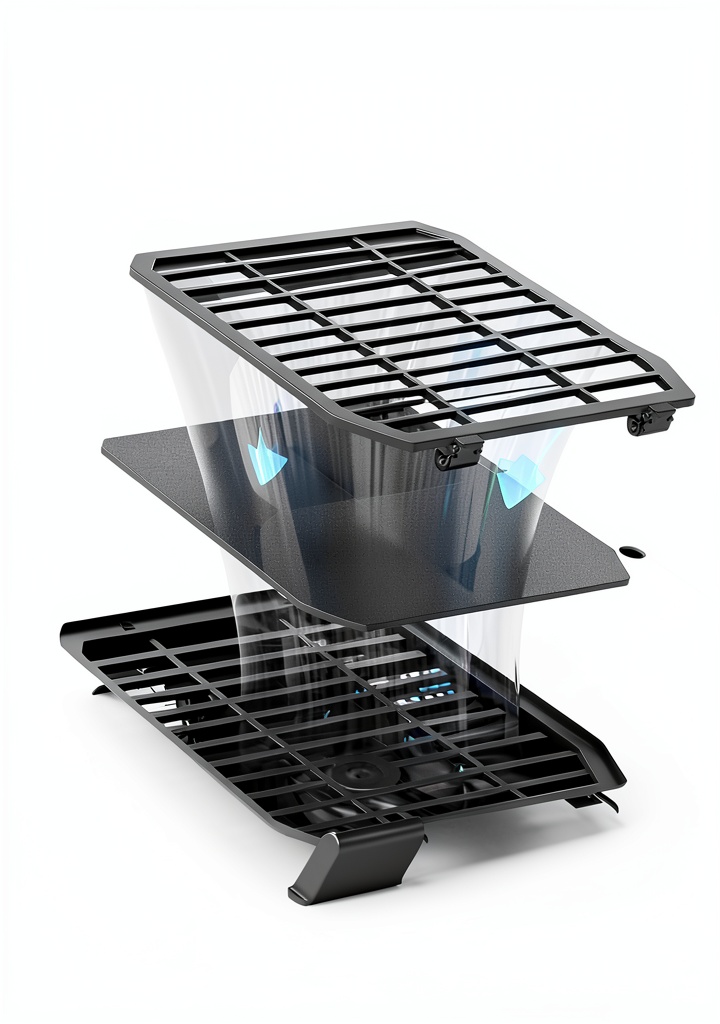
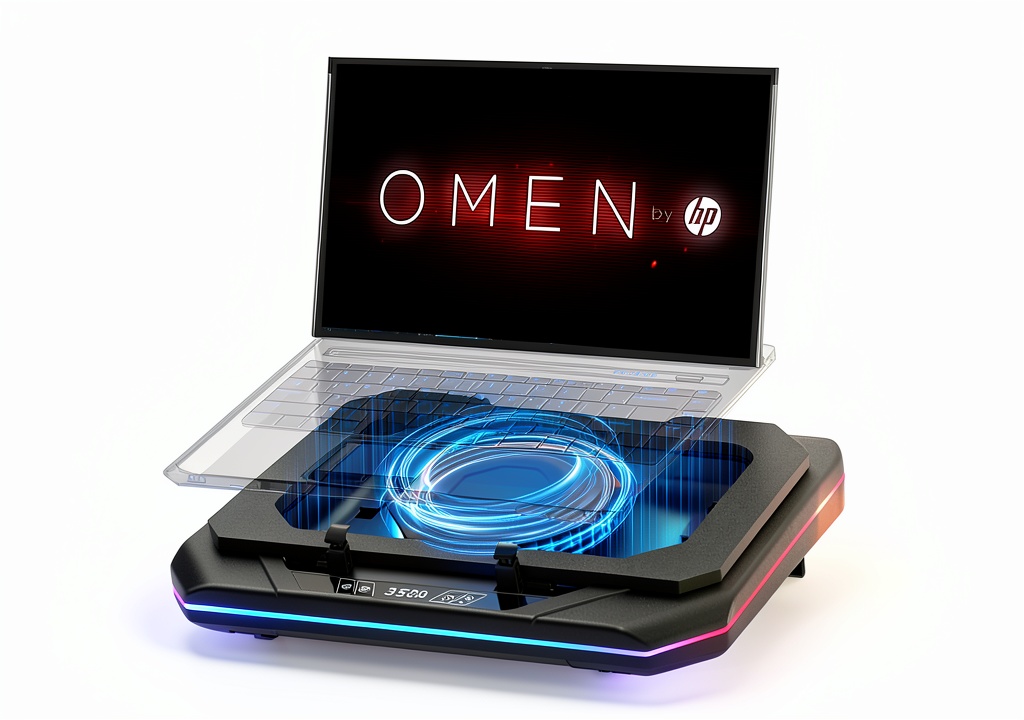
Upgrade your gaming setup with this advanced cooling pad, engineered to support 14 to 17-inch gaming laptops such as Omen 17, 16, 15, Transcend 14, MAX 16, Victus 15, and Pavilion series. It features an ultra-powerful booster turbo fan that delivers exceptional airflow to dissipate heat effectively, maintaining your laptop’s peak performance. The cooling pad includes six customizable RGB light modes for a dynamic gaming ambiance and a touch start interface for precise fan speed adjustment. Crafted from durable materials, it ensures long-lasting reliability and optimal cooling efficiency to protect your hardware during demanding tasks.
Usage
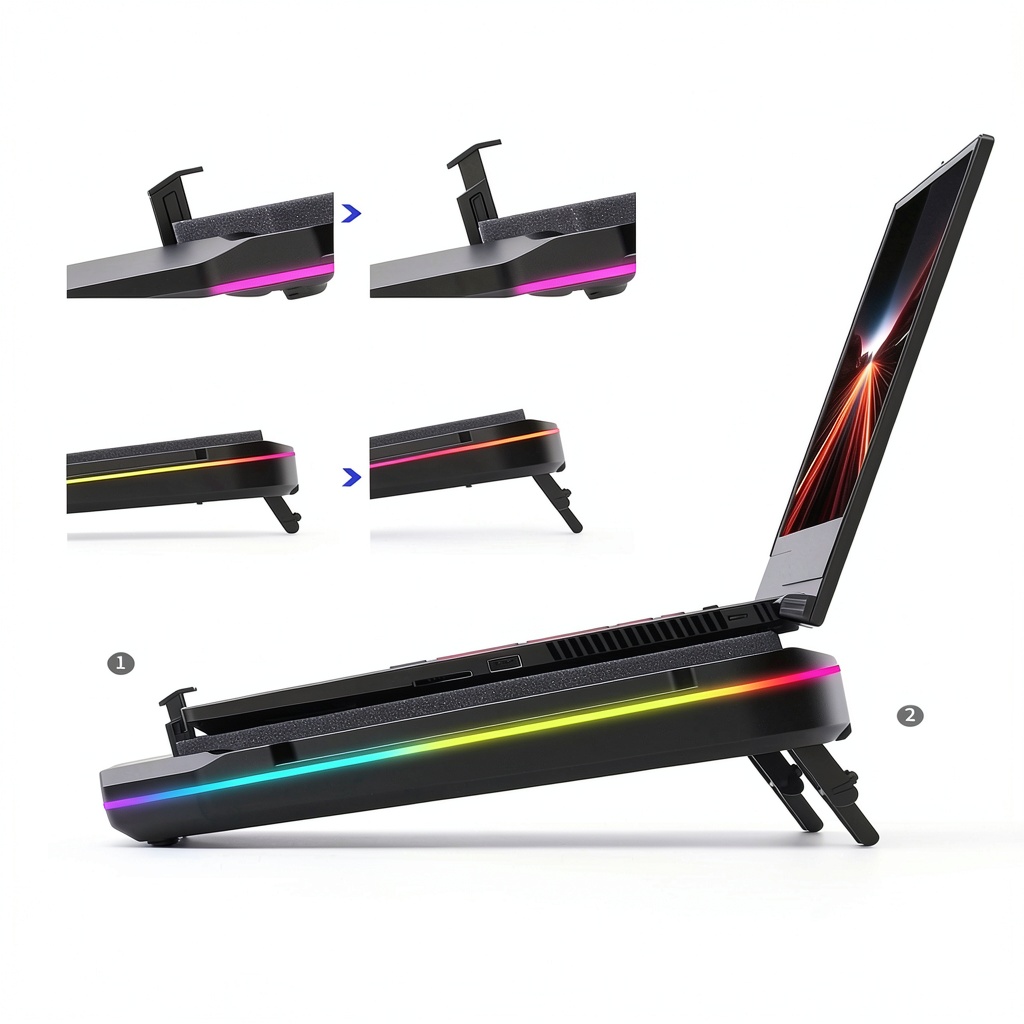
This cooling pad is ideal for gamers, streamers, and professionals who use their laptops for extended periods in high-intensity environments like gaming sessions, video editing, or multitasking. It fits seamlessly on desks or laps, providing consistent cooling to prevent thermal throttling and extend device lifespan. Use it during marathon gaming, online competitions, or creative work to ensure smooth operation without interruptions from overheating.
Why Choose Us
Our cooling pad stands out with its high-performance turbo fan and versatile RGB customization, offering superior heat dissipation compared to standard models. We prioritize quality materials and user-friendly design, ensuring easy integration into any gaming rig. Backed by rigorous testing, it provides dependable cooling solutions that enhance laptop durability and performance, making it a trusted choice for serious gamers.
Key Features
- Ultra-powerful booster turbo fan for maximum airflow and heat reduction
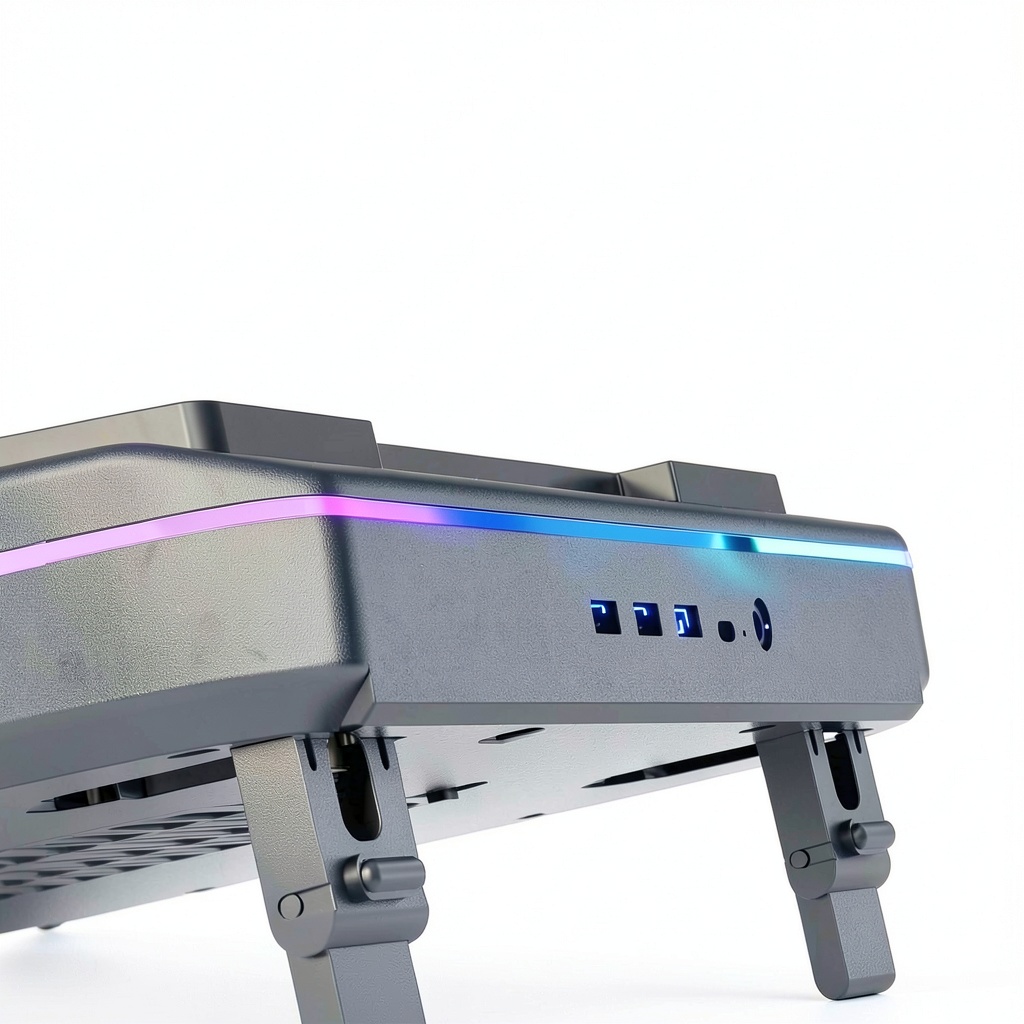
- Six vibrant RGB light modes to personalize your gaming environment
- Touch start interface for precise and easy fan speed control
- Compatible with 14 to 17-inch gaming laptops including Omen and Victus series
- Durable construction for long-term use and effective overheating prevention
FAQ
What laptops are compatible with this cooling pad?
It is designed for 14 to 17-inch gaming laptops such as Omen 17, 16, 15, Transcend 14, MAX 16, Victus 15, and Pavilion models, ensuring a secure fit and optimal performance.
How do I adjust the fan speed?
Use the touch start interface on the cooling pad to easily control the fan speed, allowing you to customize cooling intensity based on your needs during gaming or other activities.
Does the RGB lighting affect performance?
No, the RGB lights are purely aesthetic and do not impact the cooling functionality; they offer six modes to enhance your setup without compromising efficiency.
Can this cooling pad prevent laptop damage from overheating?
Yes, by dissipating heat effectively, it helps maintain safe operating temperatures, reducing the risk of thermal damage and prolonging your laptop’s lifespan during intensive use.
Is it easy to set up and use?
Absolutely, just place your laptop on the pad, connect via USB, and start using the touch controls for fan speed and RGB modes—no complex installation required.

Reviews
There are no reviews yet.